For macOS · Native
A MediaWiki crawler
for your Mac.
Paste a URL. Get clean files ready for AI or for the archive. No shell, no Python, no XML dumps. Just a window, a URL, and a Start button.
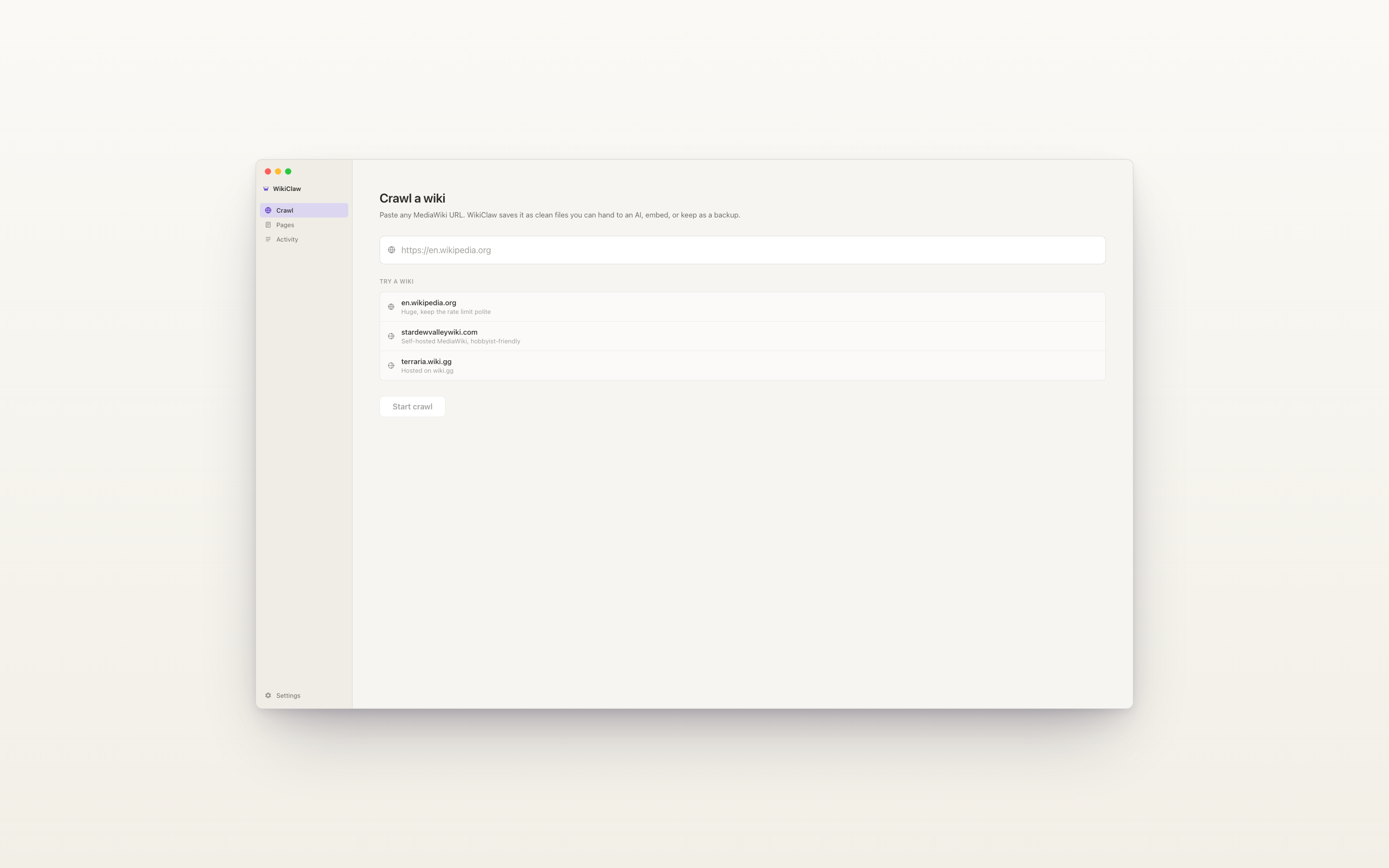
Step one
Knows it's a wiki
before you do.
WikiClaw checks the URL against the MediaWiki API and shows the wiki's actual name and page count before you start. No cryptic failures three hours into a long crawl. If it isn't a MediaWiki, you're told immediately.
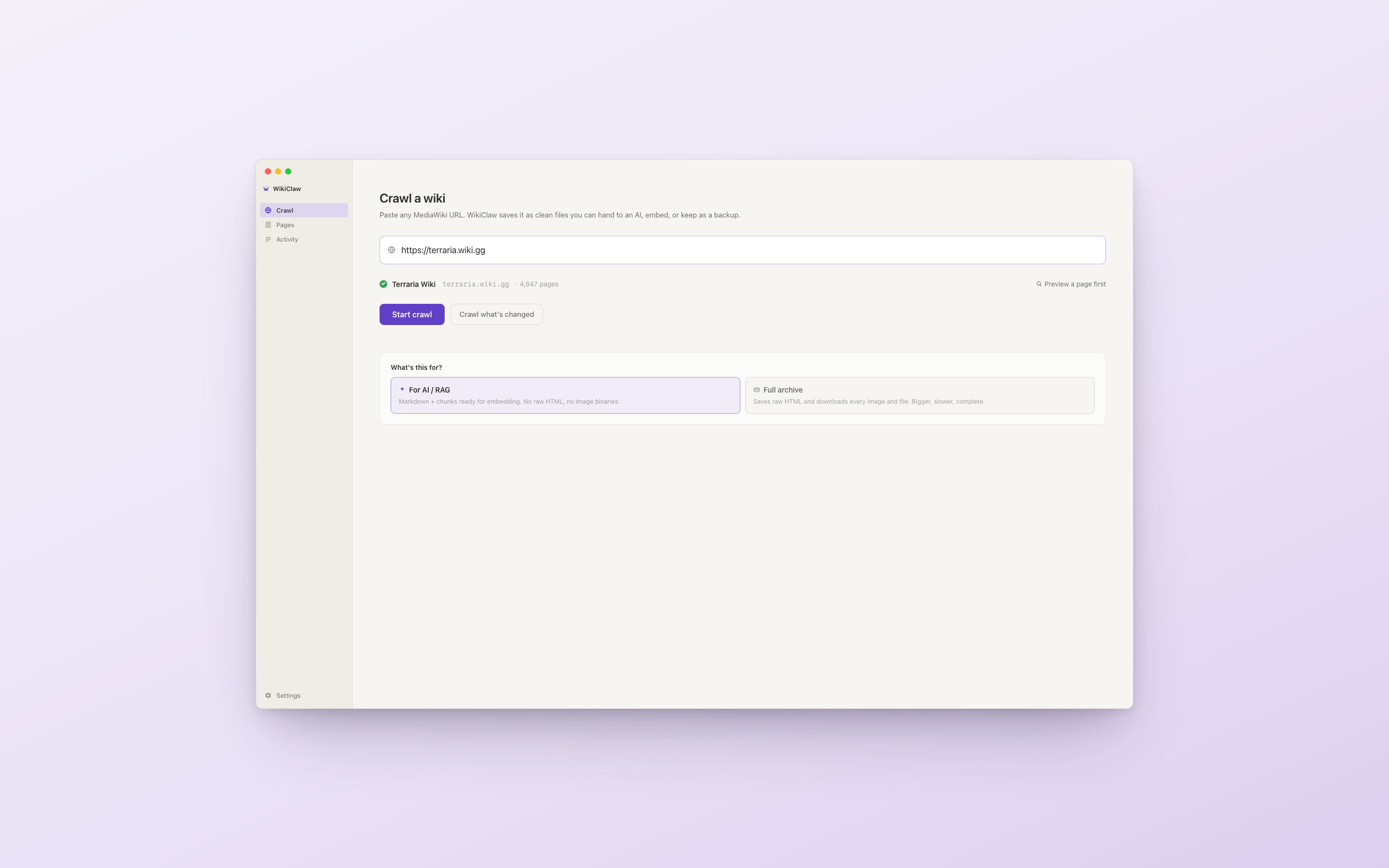
Step two
Two modes,
one switch.
Pick For AI / RAG and get clean Markdown chunks ready for embedding. Pick Full archive and get every image and raw HTML on disk. One choice, no toggle hunting.
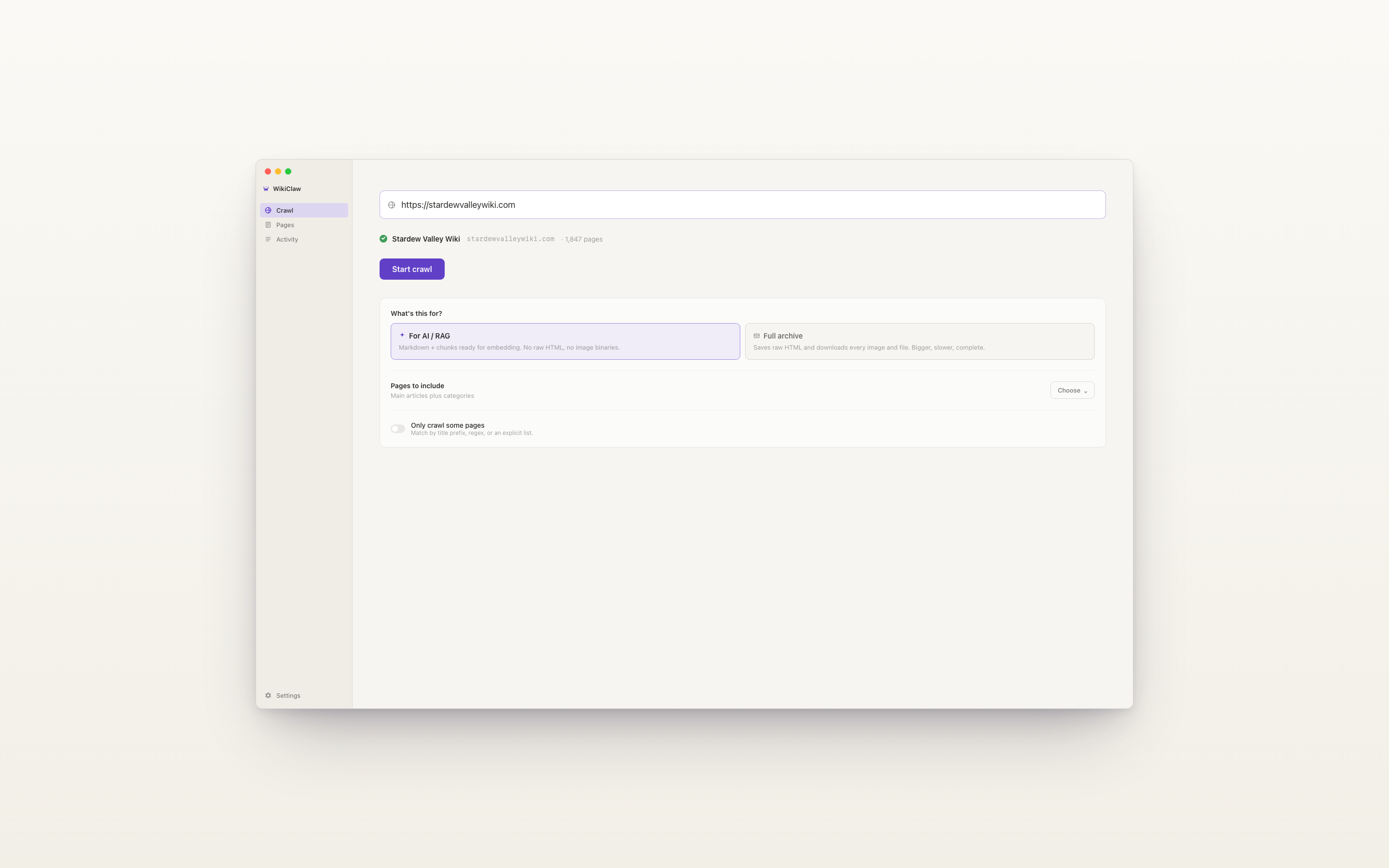
Step three
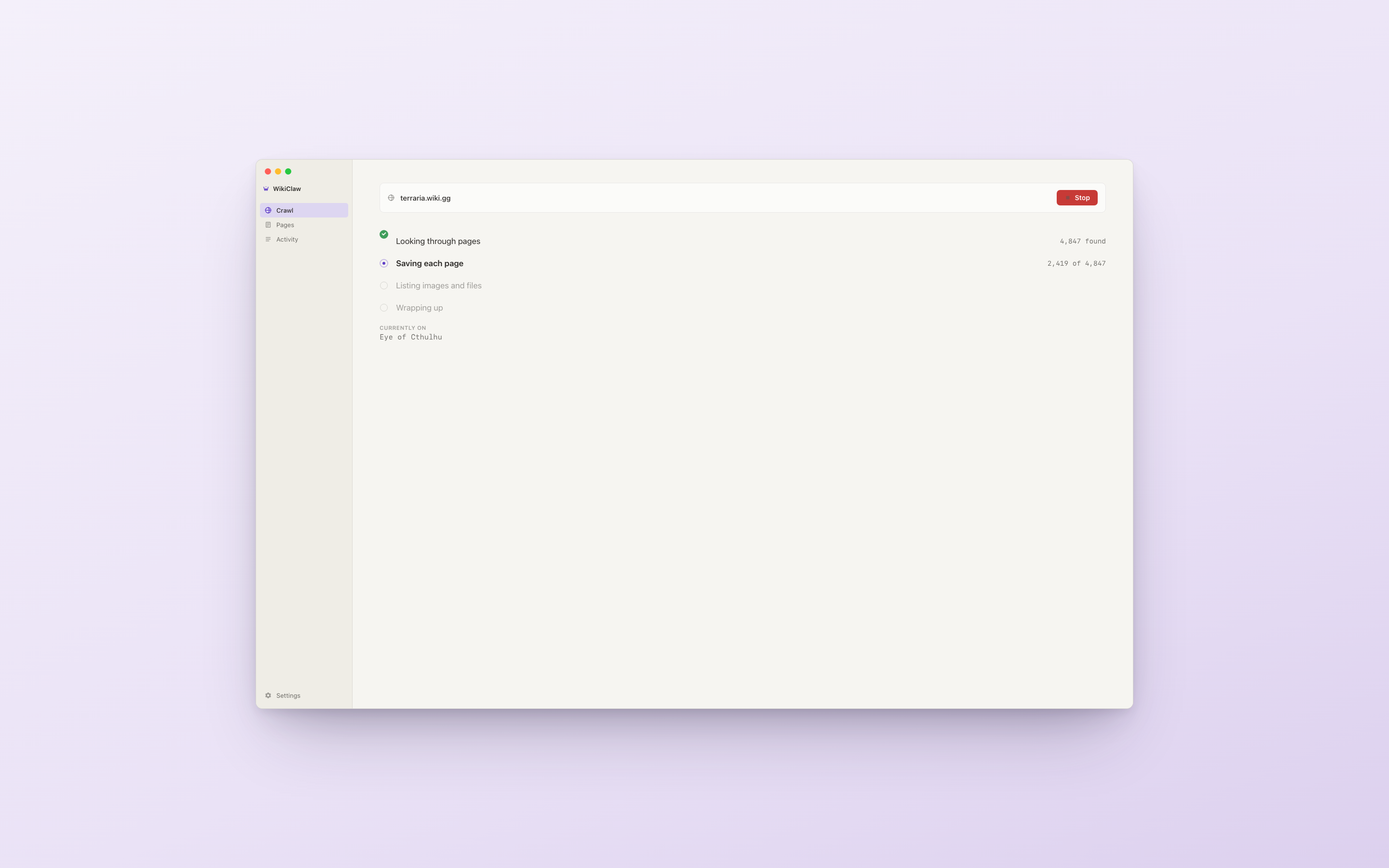
See every step.
Plain-English progress: "Looking through pages", "Saving each page", "Downloading images". Two dimensions of progress always visible — which step, and how far through it. Stop anytime.
Runs entirely on your Mac.
No cloud · No account · No telemetry
- Network traffic
- Only to the wiki you chose to crawl.
- Crawled data
- Lives in WikiClaw's sandbox folder, never leaves your Mac.
- User-Agent
- Configurable. Defaults to a polite WikiClaw string.
- Telemetry
- None. The app does not phone home.

WikiClaw
Available on the Mac App Store. macOS 26.2 or later. Apple Silicon or Intel.
View in Mac App StoreFree at launch. License is yours, output is yours.
WikiClaw is © 2026 David Wu. Not affiliated with Apple Inc., Wikipedia, the Wikimedia Foundation, or any specific MediaWiki host. Mac, macOS, App Store, and Finder are trademarks of Apple Inc.; the macOS-styled visuals on this page are illustrative. Wiki names and trademarks shown are property of their respective owners and are used here under nominative fair use to identify supported services. Source wiki content remains under its original license; WikiClaw writes a site_manifest.jsonwith attribution per crawl. Privacy Policy · Help